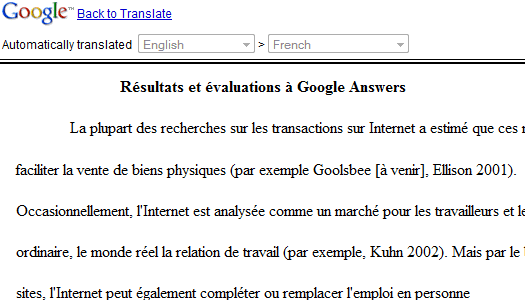
Google Translate can be used to translate many web pages, but you can't use it for pages that require login and for Ajax-powered web applications. You won't be able to translate a Gmail message, a Google Docs document or a Facebook message without copying the text to Google Translate.
I've mentioned in March that Google Toolbar tests a translation feature that extracts the text from any web page and translates in real-time. The impressive feature is now available in Google Toolbar 6 for Internet Explorer and it works extremely well.
http://googlesystem.blogspot.com/
By default, Google detects when a page is not in English (or another preferred language) and it offers the option to translate it. Language detection doesn't send text from the current web page to Google's servers, but you'll need to send the text when you translate the page.
"When you visit a webpage in a different language than your Toolbar, Toolbar will display the translation bar near the top of your browser window and ask you if you'd like to translate the page. Click Translate to translate the page, or click Translate on your Toolbar. Click Show original or the x icon to close the translation bar and view the original webpage. If you change your preferred translation language, Toolbar will remember your language preferences and use them when translating pages in the future," explains Google.